
Browse by purpose
Video Editing & AI Animation Courses
Choose a learning path based on what you want to create. Mobile video editing focuses on assembling and polishing clips, while an animation course may involve generating or animating characters and scenes. Check the individual syllabus before buying.
Choose a course that fits your workflow
- For phone-based editing, check the CapCut listing and confirm the supported app version, device and any paid features used in the lessons.
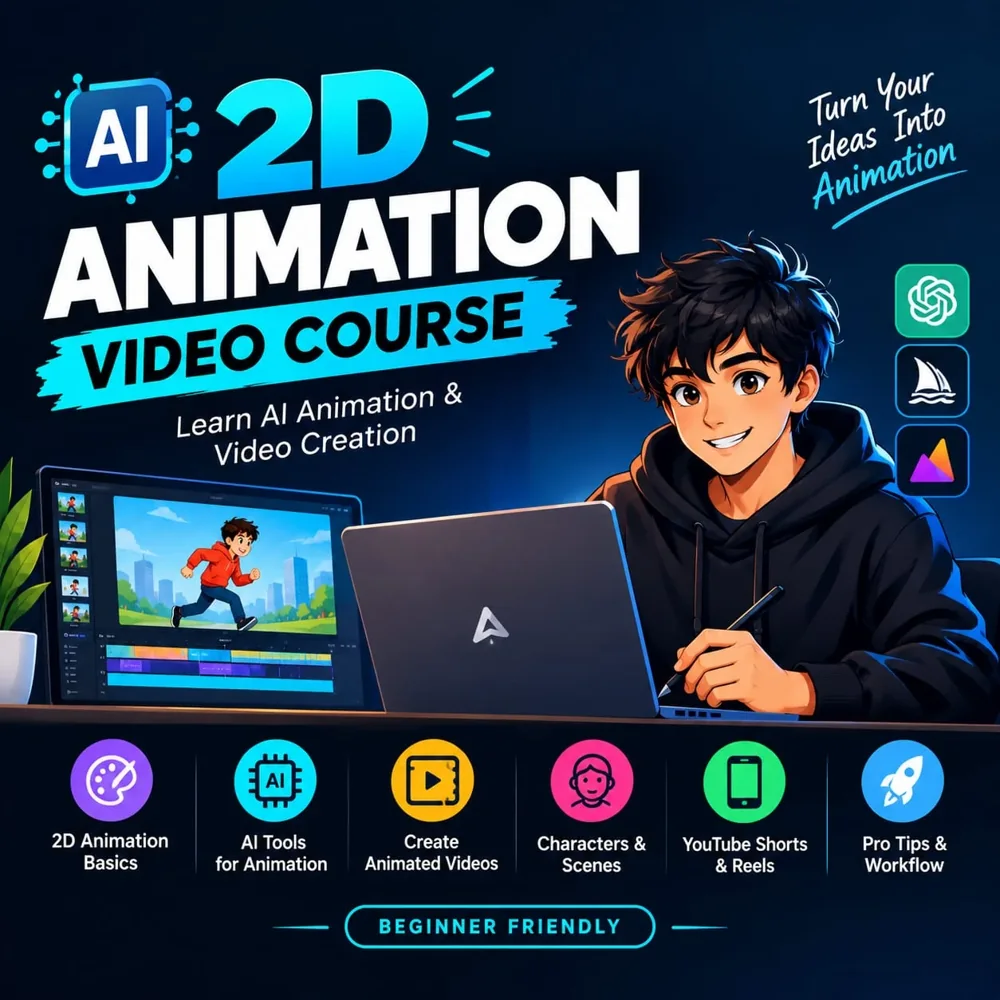
- For animated videos, review the AI 2D animation course description and ask which tools, subscriptions or hardware are required.
- Confirm lesson language, access duration, sample lessons and whether project files or practice exercises are included.
- A course title is not a promise of a job, income or professional certification. Choose based on demonstrable lesson content and your available practice time.
Explore the listings
Prices below are a snapshot. Check the marketplace for current prices and availability.
Before you buy
Do I need paid editing or AI tools?
The listing may not state every third-party cost. Ask the seller for the required tools and any separate subscriptions before purchasing.
Which course is suitable for beginners?
Review the syllabus and sample lesson for prerequisites. Confirm whether the lessons explain basic controls or expect prior editing experience.